Enterprise Design
Conversion-focused redesigns for growing and enterprise online stores: clear navigation, fast pages, and product pages that answer a shopper's questions.
The Approach
An aging storefront rarely fails all at once. Navigation gets harder as the catalog grows, product pages stop doing the selling, and the design no longer matches the brand the business has become.
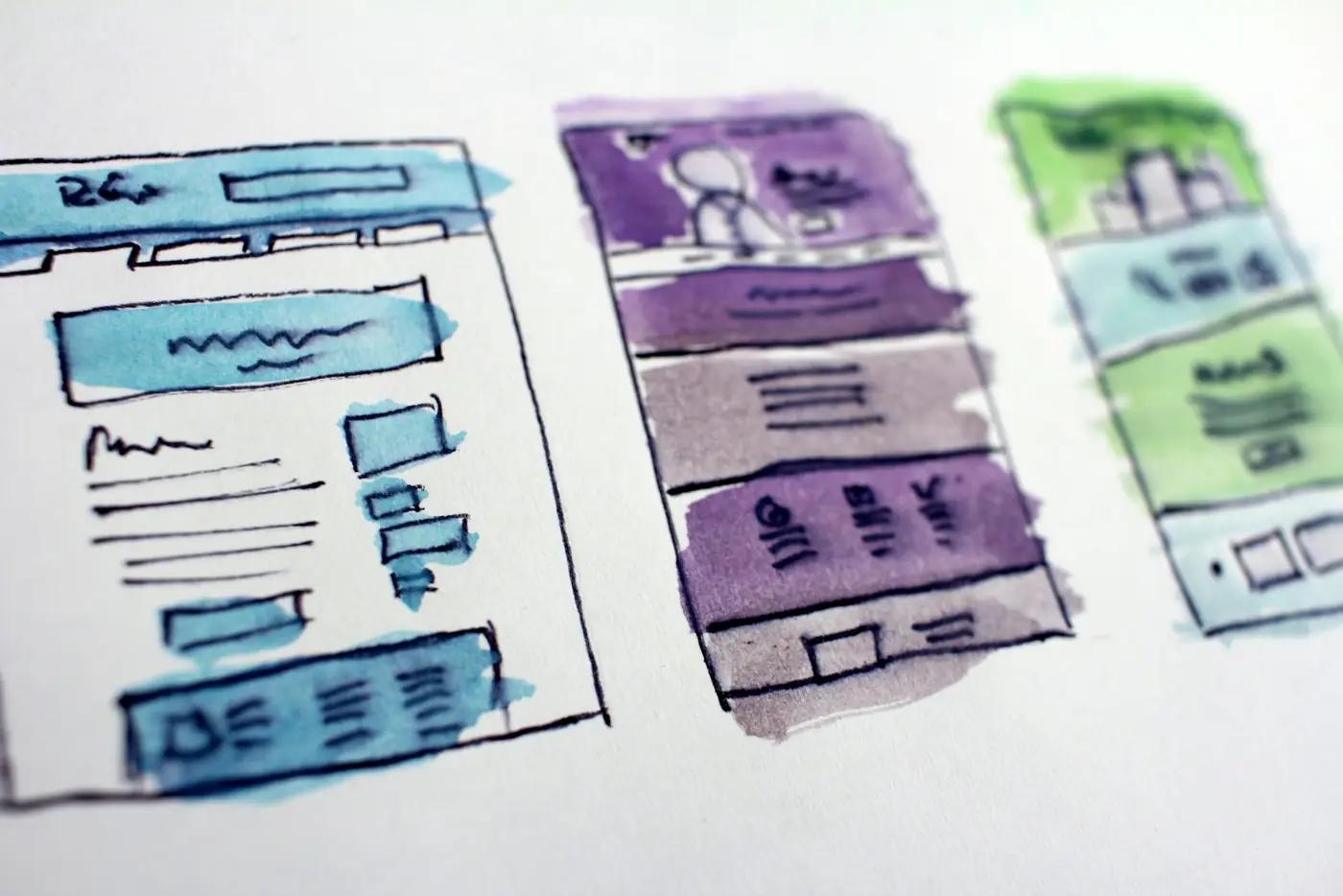
Enterprise design starts from how shoppers actually move through the store, then rebuilds the experience around finding the right product and buying it with confidence. Search and conversion are part of the brief from the first wireframe.
Before I ran an agency I spent a decade in fashion retail, with stores, a showroom and a warehouse. A storefront is a sales floor. The layout, the lighting and where the best product sits decide what sells, online as much as on the street.
What It Covers
Storefront Redesigns
Modern interfaces for stores that have outgrown their original theme, without throwing away what already works.
Navigation & Merchandising
Category structure, filters and menus that keep large catalogs easy to browse.
Product Presentation
Product pages built to answer a shopper's questions and show each product clearly, from photography to specs.
Conversion-Focused Layouts
Every template designed around the path to checkout, with trust signals where hesitation happens.
Mobile First
Designed for the phone first and the desktop second, because that is where many shoppers start.
Fast & Accessible
Designs that load quickly and work for everyone, including shoppers using screen readers and keyboards.
What Good Design Looks Like
Start With How Shoppers Shop
Before anything is drawn, we look at the evidence: analytics, on-site search terms, where people drop off and which pages earn the organic traffic. The redesign should fix the problems the store actually has, not the ones that look obvious in a meeting.
Wireframes come next, so structure and priorities are agreed before anyone argues about colors.
Built For The Catalog You Will Have
Large catalogs need design systems, not one-off pages: templates and components that make a thousand products look intentional and let the team add the next thousand without a designer.
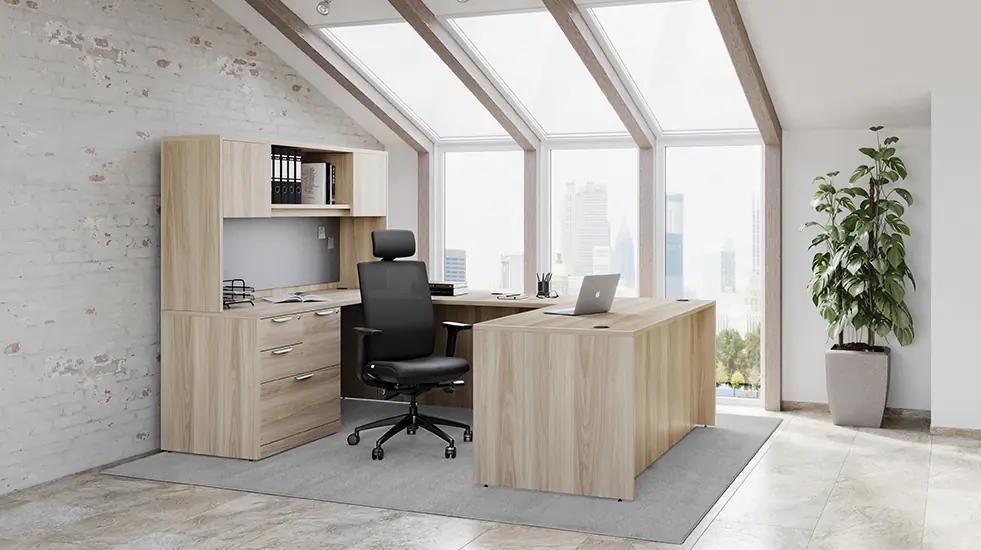
Everything For Offices is a good example: custom design and custom development for an office furniture store, built around how buyers compare and choose. See the project.
A Redesign That Keeps Its Rankings
The fastest way to lose years of search traffic is a beautiful relaunch that changes every URL and drops the content search engines were ranking. It happens all the time.
Every redesign we run maps old URLs to new ones, keeps the content that earns traffic and is checked after launch. A&J Cycles came to us for a platform migration and custom design for their motorcycle store. See the project.

See The Difference For Yourself
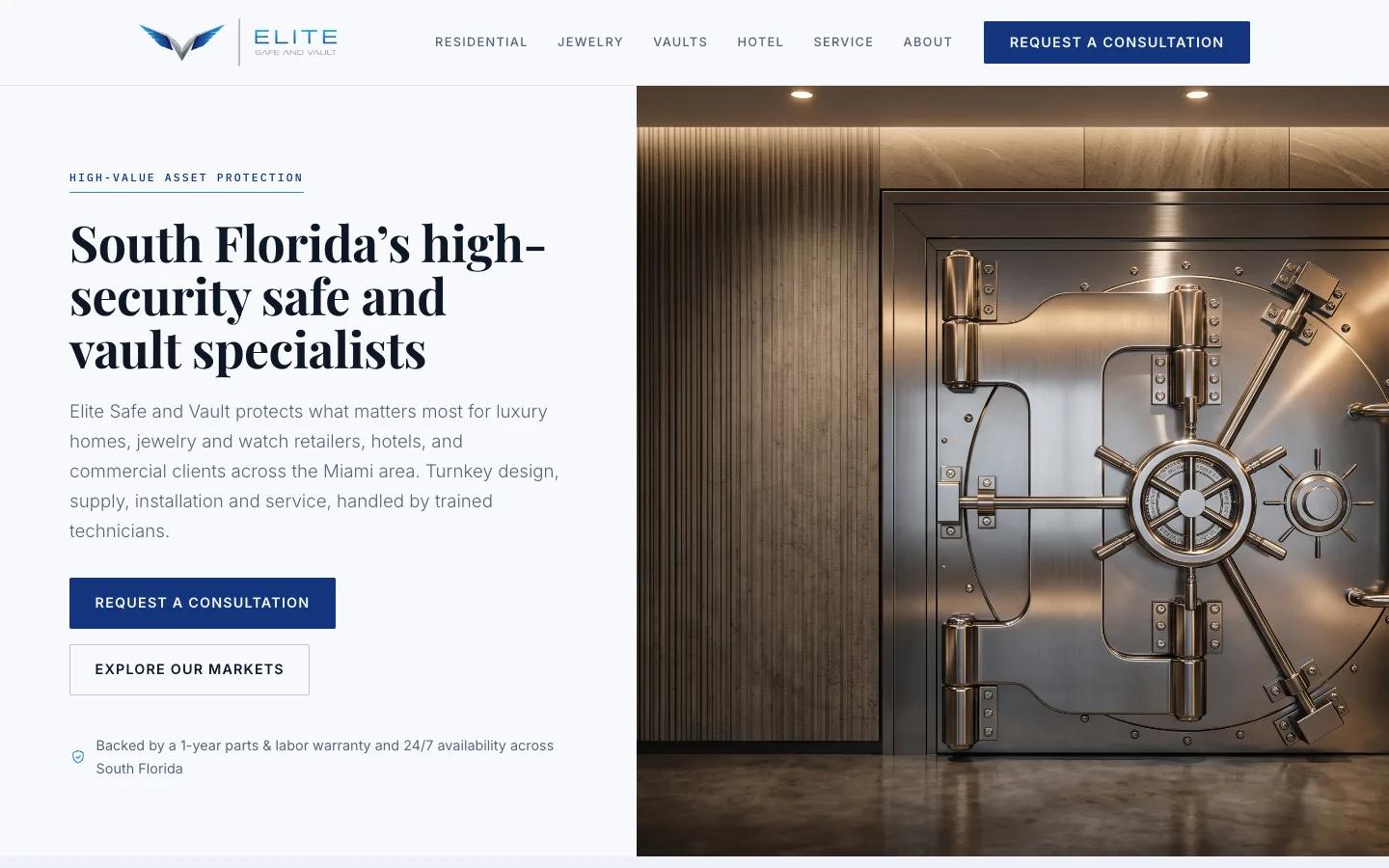
A redesign should be visible at a glance. Elite Safe & Vault, a safe and vault retailer, relaunched with a new site that puts the product, the trust signals and the call to action where shoppers look first.
How A Redesign Runs
Structure first, polish last. Most redesigns that go wrong did it the other way around.
- Step 1
Discover
Analytics, search data, customer questions and a walk through the store the way a first-time shopper sees it.
- Step 2
Wireframe
Page structure, navigation and priorities agreed in grayscale before visual design begins.
- Step 3
Design
The visual system and every key template, reviewed against the brand and the path to checkout.
- Step 4
Launch & Refine
A search-safe launch with redirects checked, followed by testing and refinement based on real behavior.
Common Questions
Do you redesign on our current platform or move us to a new one?
Will a redesign hurt our SEO?
Do you use themes or design from scratch?
How long does a redesign take?
Can you work with our in-house team or brand guidelines?
Related Expertise
Ready To Scale?
Whether you need an enterprise eCommerce overhaul or a managed AI website for your business, let's build something that drives revenue.